Make every image fit its job.
Exact dimensions, honest format advice and private browser workflows. Each guide starts with the answer and leads to the right tool.
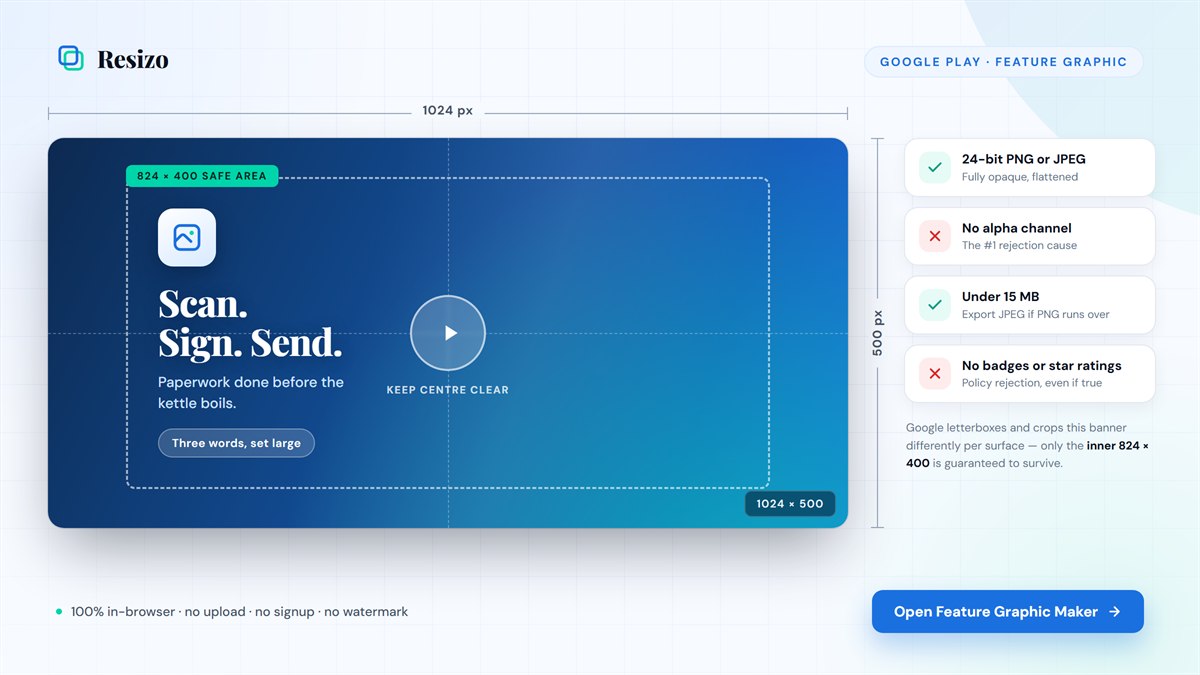
Google Play feature graphic size, safe area and rejection fixes
A Google Play feature graphic is exactly 1024 × 500 pixels, under 15 MB, as JPEG or 24-bit PNG without alpha. Keep key content inside a centered 824 × 400 safe area.
Read the guide →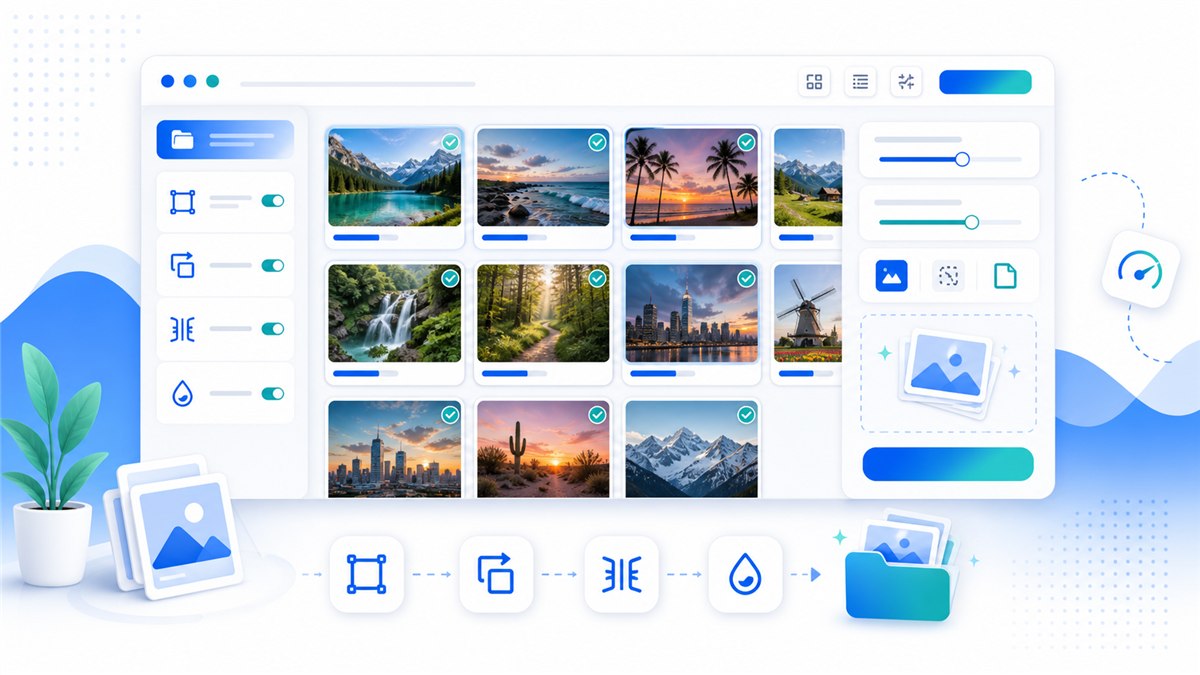
Batch image toolkit: resize, convert and watermark locally
Process a folder with one repeatable workflow: resize, compress, rename, convert and watermark without uploading the originals.
9 min read · Updated 2026-10-27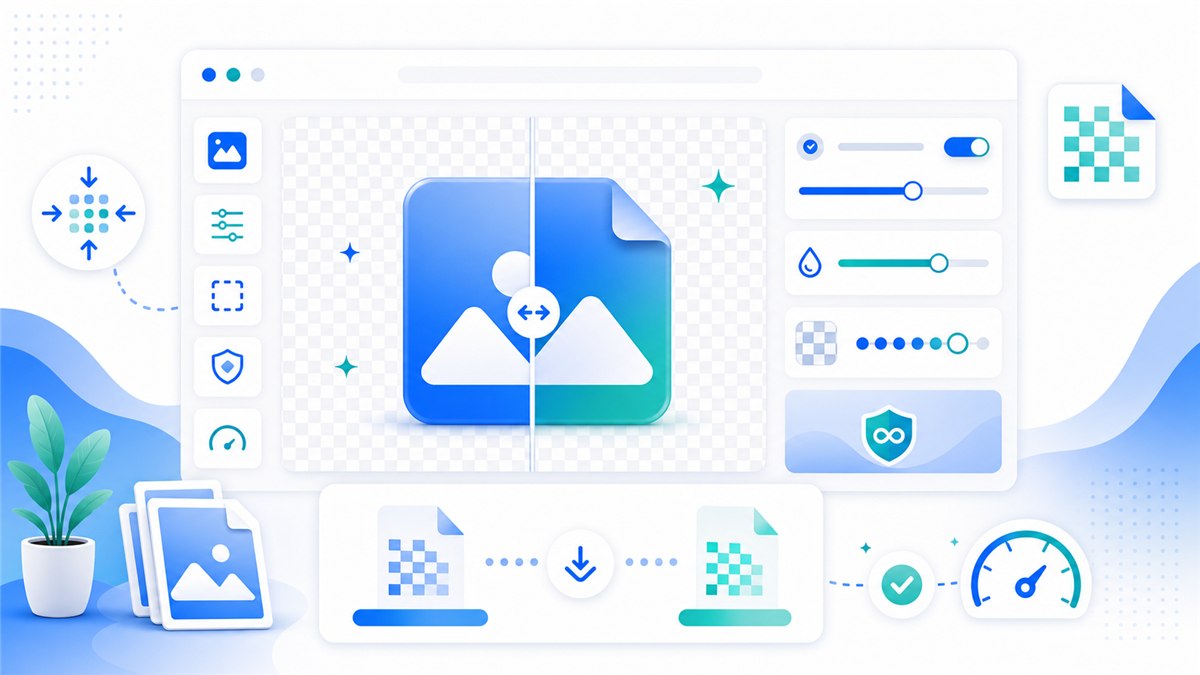
How to compress PNG files without visible quality loss
Lossless optimization removes waste without changing pixels. For a much smaller file, use careful lossy compression or convert a photographic PNG to WebP.
10 min read · Updated 2026-10-27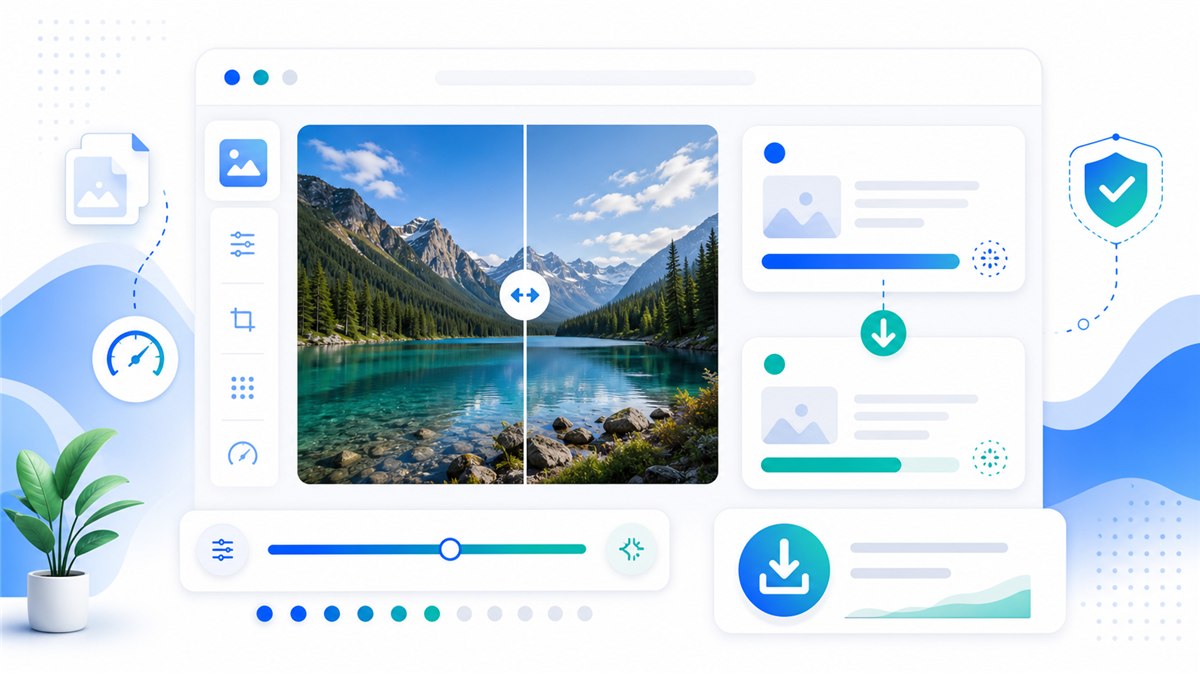
How to reduce a photo file size without ruining it
Reduce dimensions before quality: a correctly sized photo often becomes dramatically smaller before you touch the quality slider. Then choose JPG or WebP for photos.
10 min read · Updated 2026-10-27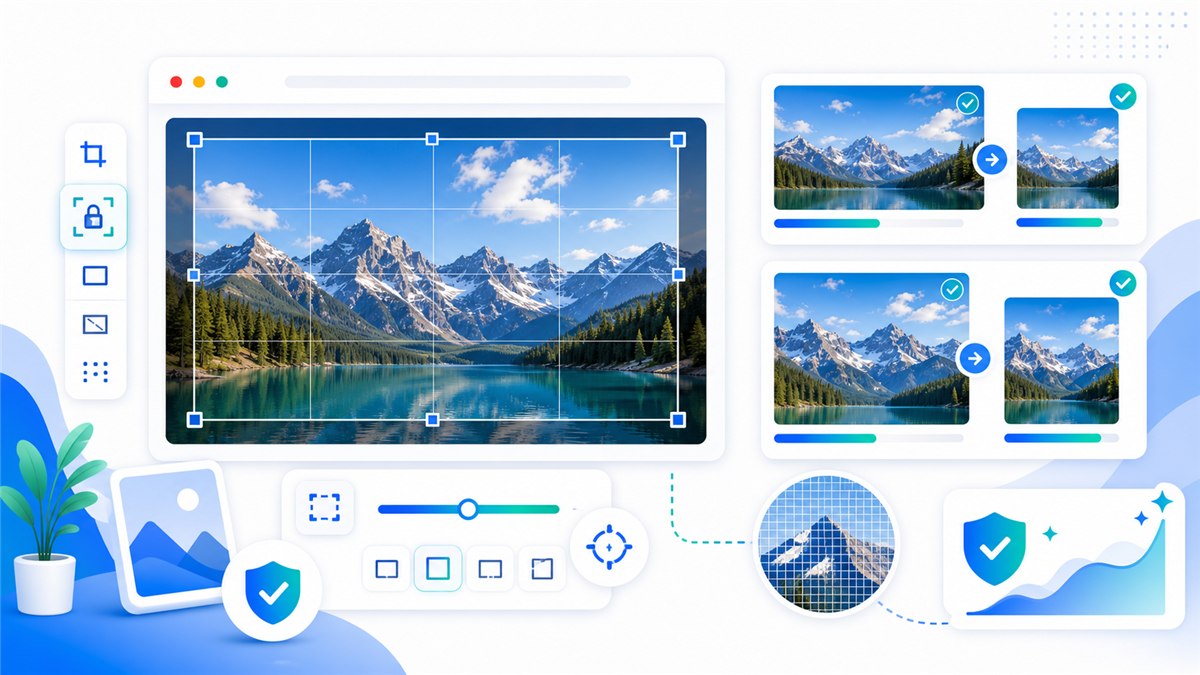
How to resize an image without losing useful quality
Downscaling can stay sharp when you preserve the aspect ratio, choose the final dimensions first and export once in a suitable format. Upscaling cannot recreate missing detail.
10 min read · Updated 2026-10-27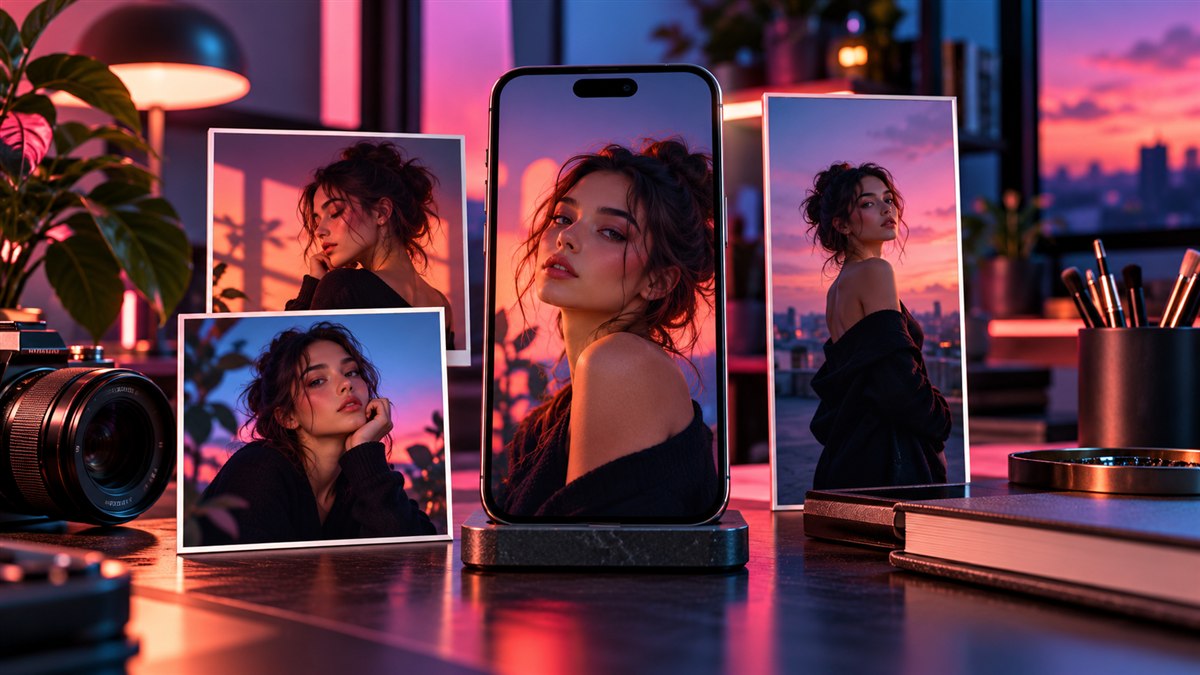
How to resize images for Instagram without awkward crops
Use 1080 × 1350 for portrait feed posts, 1080 × 1080 for square posts and 1080 × 1920 for Stories and Reels. Keep important content away from interface overlays.
5 min read · Updated 2026-10-27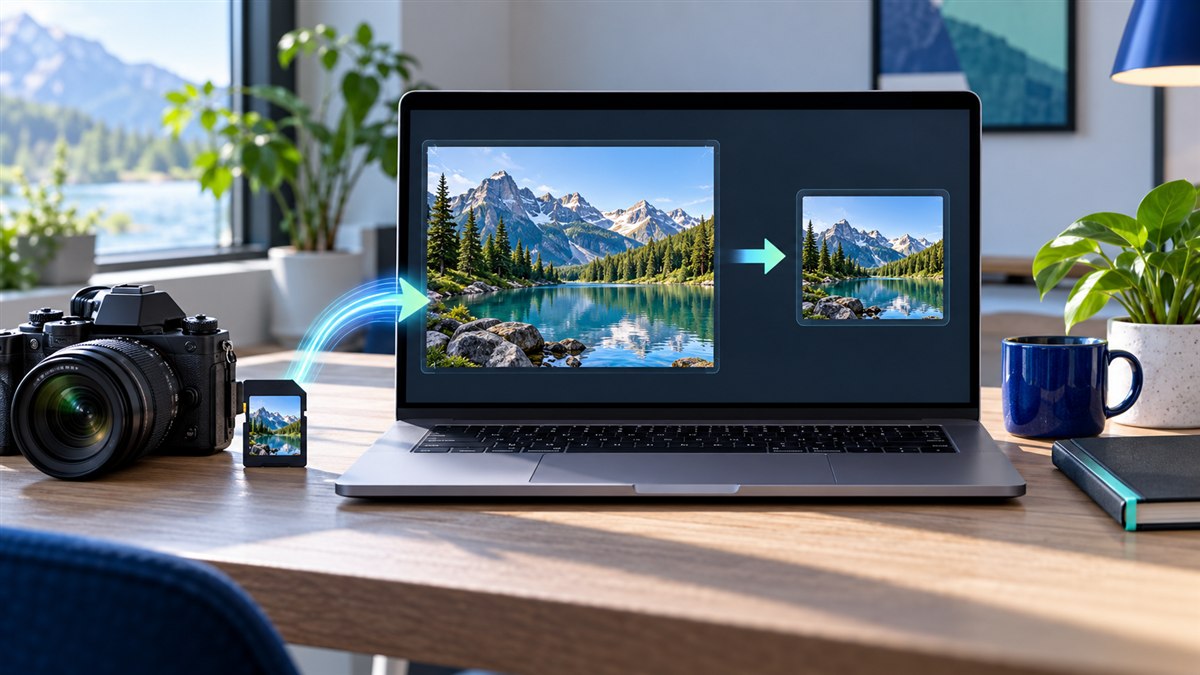
How to resize an image online for free, privately
Choose the output dimensions, keep the aspect ratio locked, select JPG, PNG or WebP, and export. Resizo performs that work locally in your browser.
5 min read · Updated 2026-10-27
JPG vs PNG vs WebP: which image format should you use?
Use JPG for broadly compatible photographs, PNG for transparency and crisp graphics, and WebP when small web delivery files matter. The content and destination decide the format.
9 min read · Updated 2026-10-27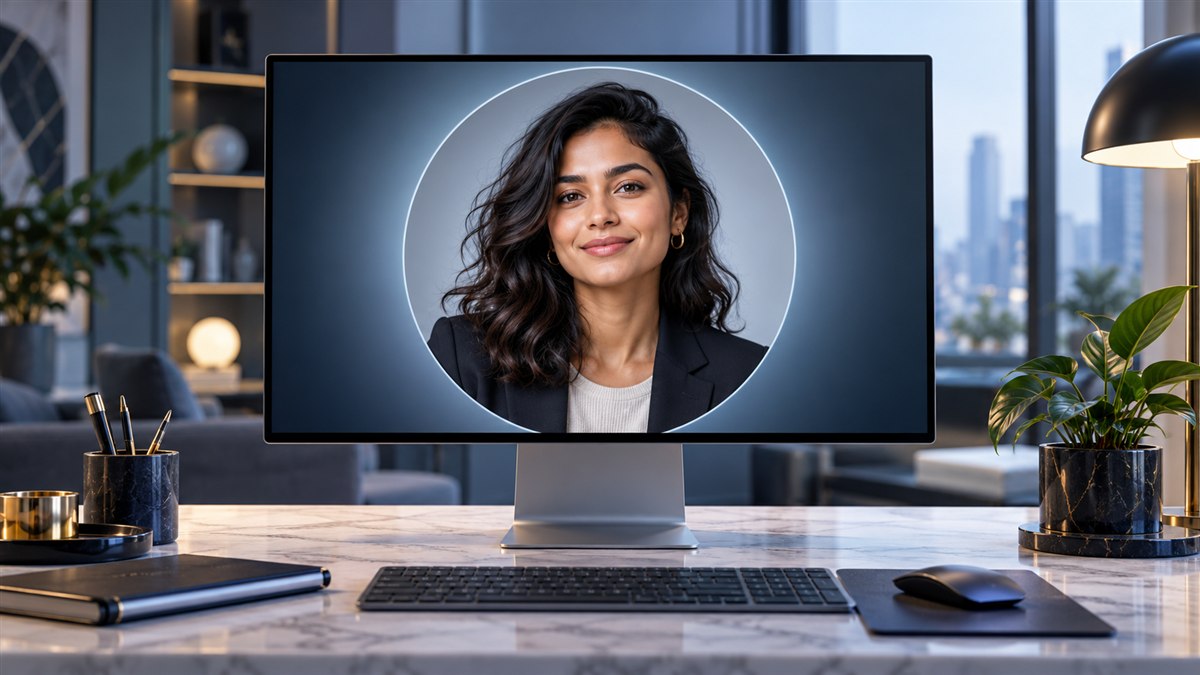
LinkedIn profile picture size and crop guide
Upload a square profile photo at least 400 × 400 pixels. Keep your face or logo centered because LinkedIn displays the square source inside a circular crop.
5 min read · Updated 2026-10-27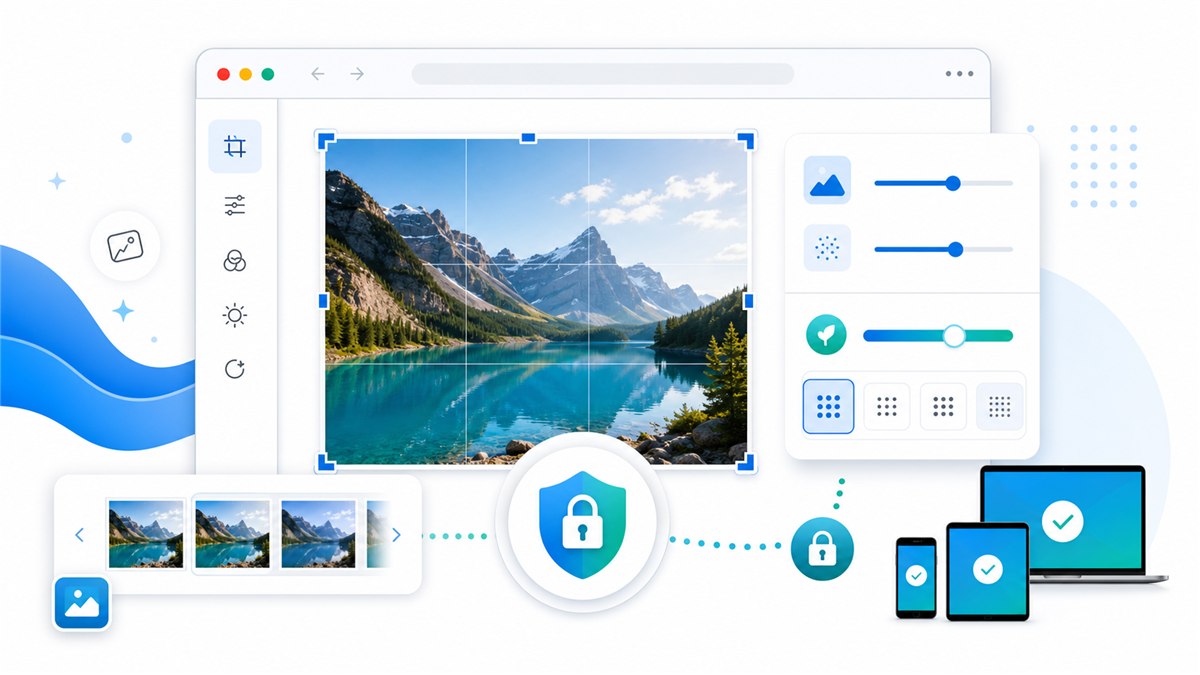
A private image editor that does not upload your files
A no-upload editor processes pixels on your device. That removes the server copy from the workflow and is the safer default for IDs, family photos and confidential screenshots.
9 min read · Updated 2026-10-27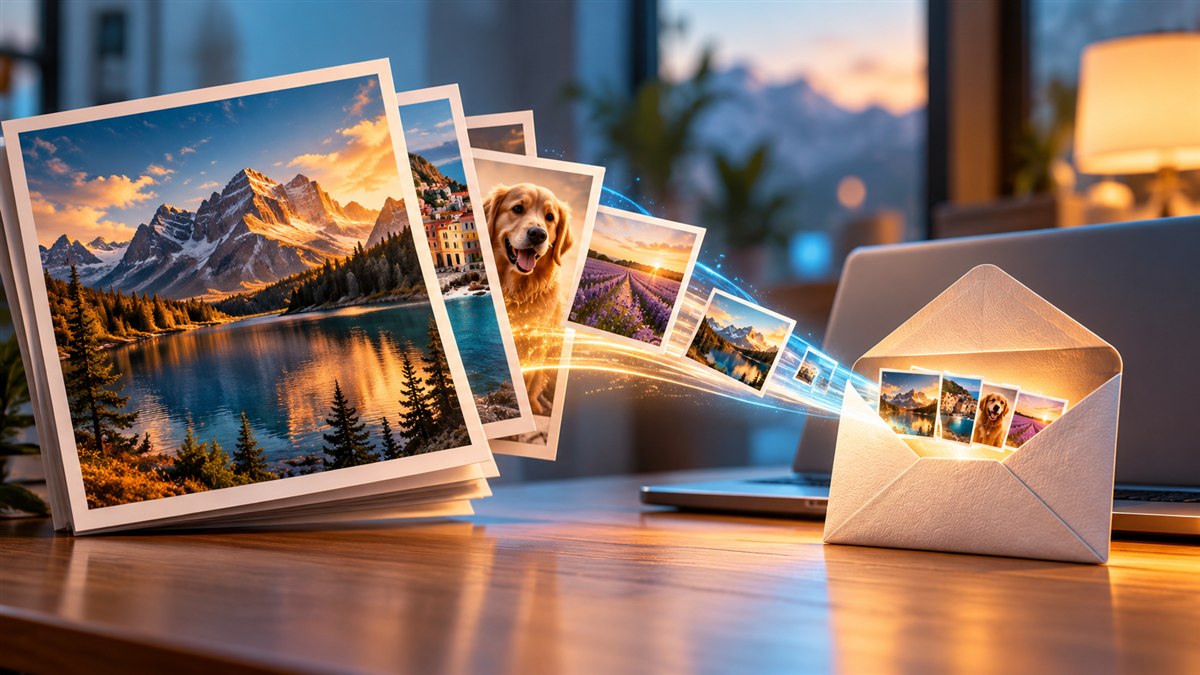
How to reduce image file size for email attachments
For email, resize large camera photos to about 1600–2000 pixels on the long edge, export as JPG or WebP, and check the final attachment total before sending.
4 min read · Updated 2026-10-27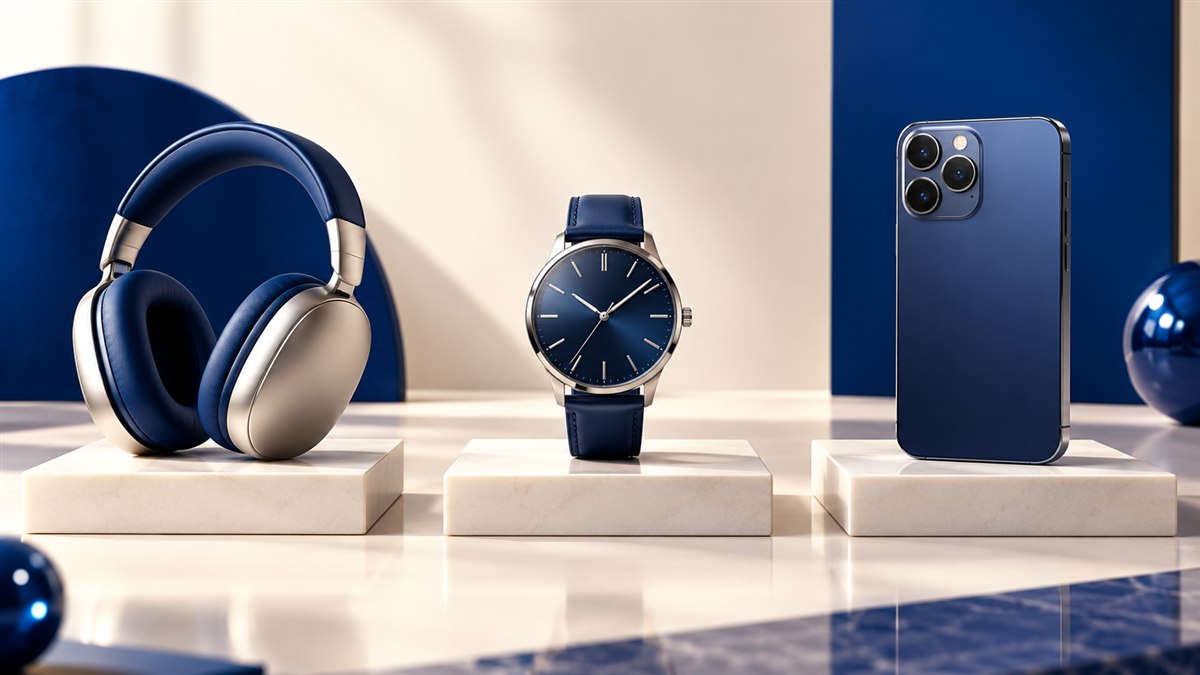
How to resize product images for ecommerce
Use a consistent square or portrait canvas, keep the product scale consistent and export the smallest file that still preserves material detail and clean edges.
5 min read · Updated 2026-10-27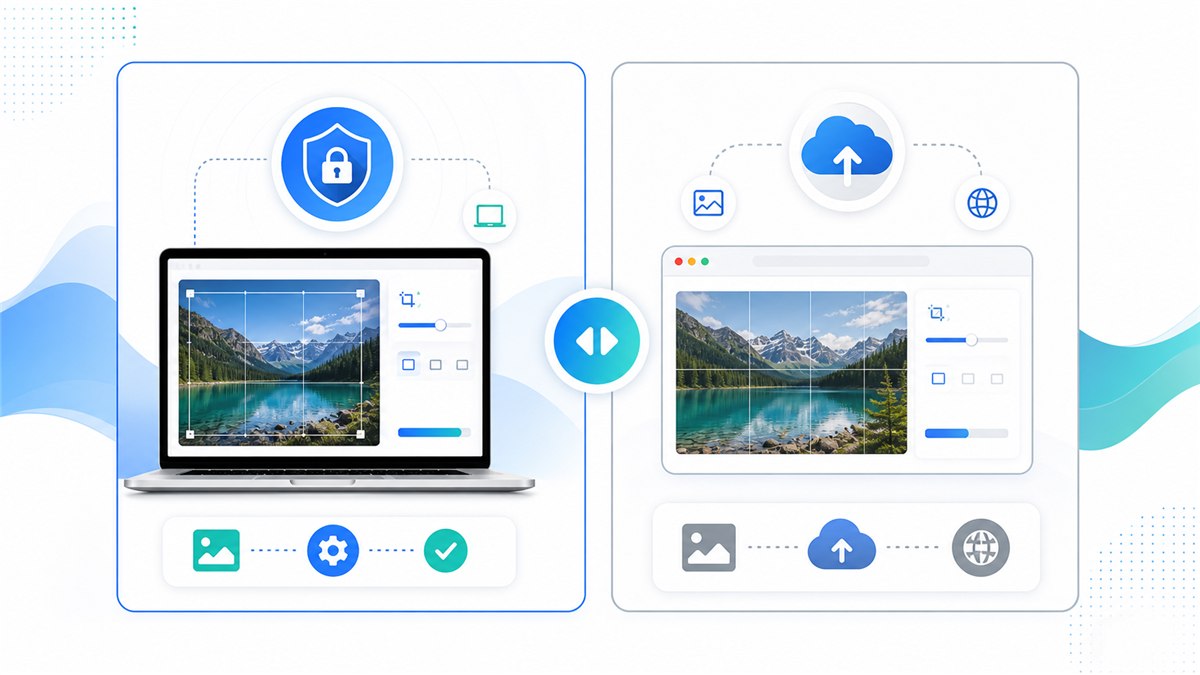
Resizo vs iLoveIMG: privacy, limits and workflow compared
Resizo is built around local browser processing; iLoveIMG uses an upload-based service and offers a wider cloud toolset. The better choice depends on file sensitivity and workflow.
10 min read · Updated 2026-10-27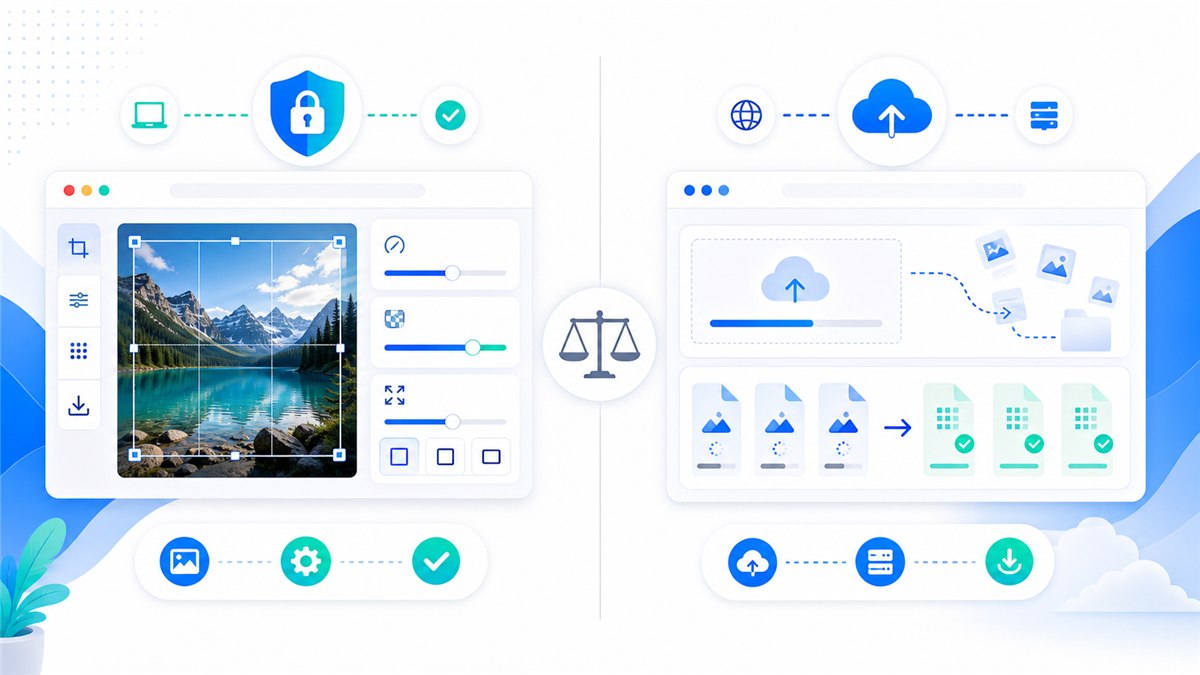
Resizo vs TinyPNG: compression, privacy and formats
TinyPNG is known for upload-based compression. Resizo keeps supported work in the browser and also covers resizing and format conversion. Compare the workflow, not only file size.
10 min read · Updated 2026-10-27
Social media image sizes for 2026: a practical reference
Start with 1080-pixel-wide social images, but use each network’s intended aspect ratio. A correct crop matters more than exporting one oversized image everywhere.
5 min read · Updated 2026-10-27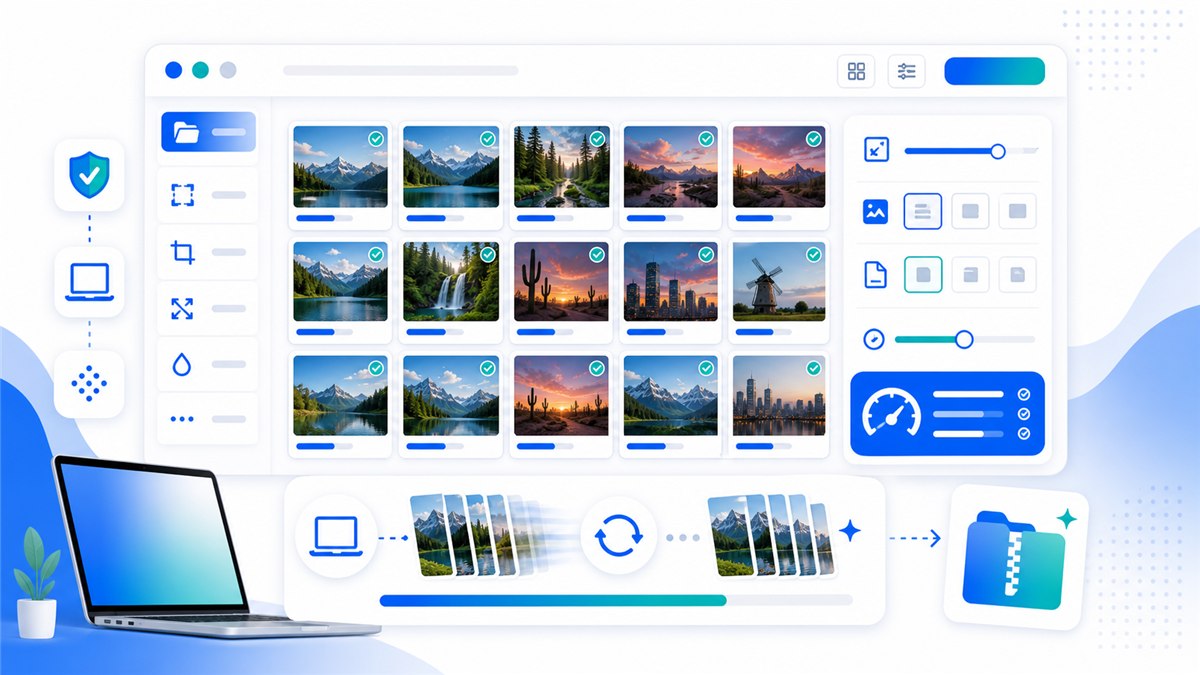
A fast, no-upload workflow for bulk web images
Set one width, format, quality rule and naming pattern before processing the folder. A consistent batch recipe is faster and safer than fixing files one by one.
9 min read · Updated 2026-10-27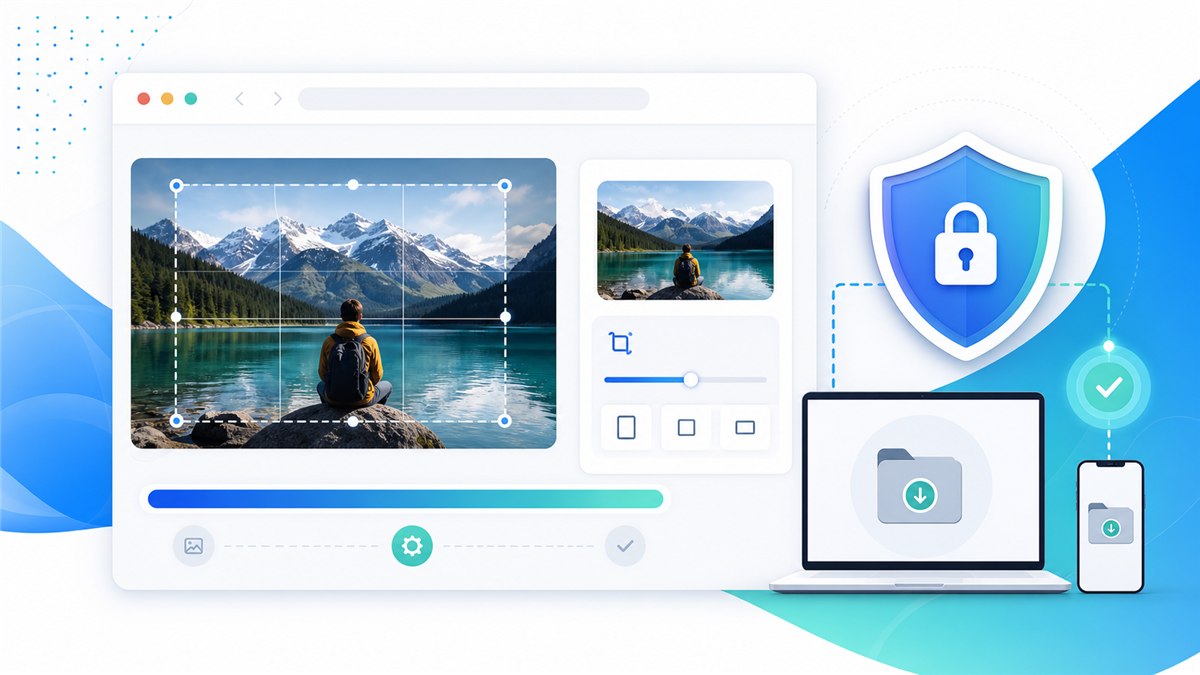
Why private photos should not go to random online resizers
An upload creates another copy of your image on infrastructure you do not control. For sensitive photos, prefer tools that can resize locally and verify that claim in the browser.
9 min read · Updated 2026-10-27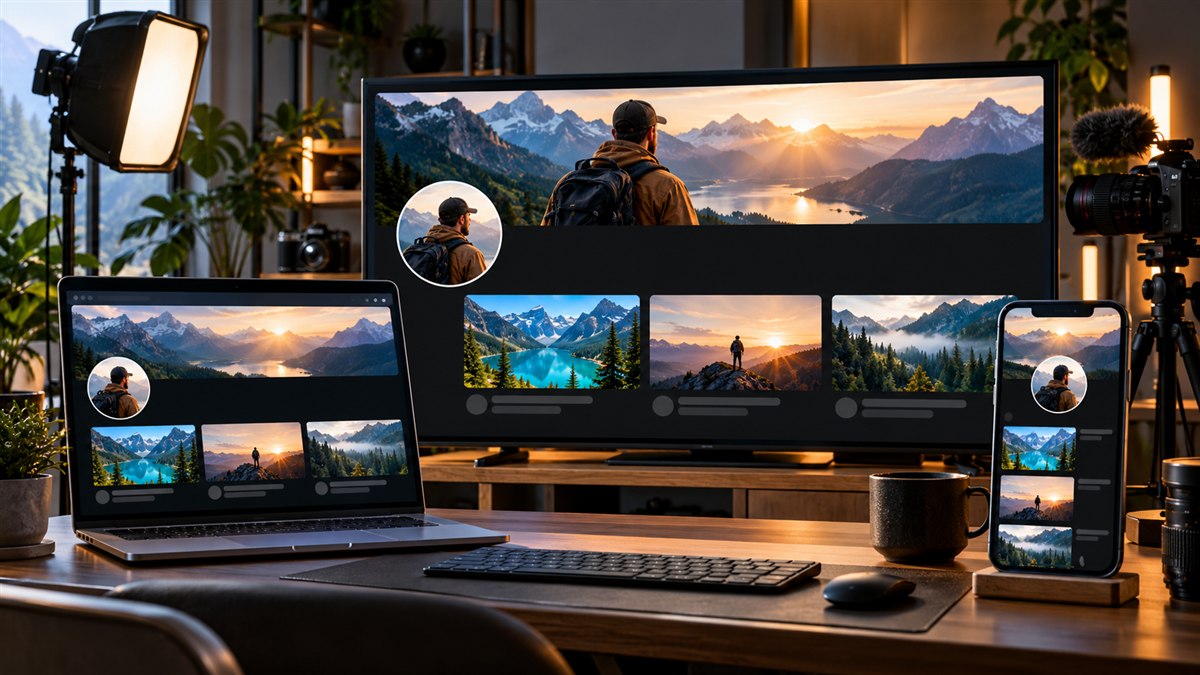
YouTube image sizes for 2026: thumbnails, banners and safe areas
Use 1280 × 720 for thumbnails and 2560 × 1440 for channel banners. Keep banner text and logos inside the centered 1235 × 338 safe area.
7 min read · Updated 2026-10-27
Resizo features and usage guide
Resizo provides browser-based tools for resizing, compressing, converting, cropping and batch-processing images. Supported operations run locally, without an account or a server upload.
8 min read · Updated 2026-10-27