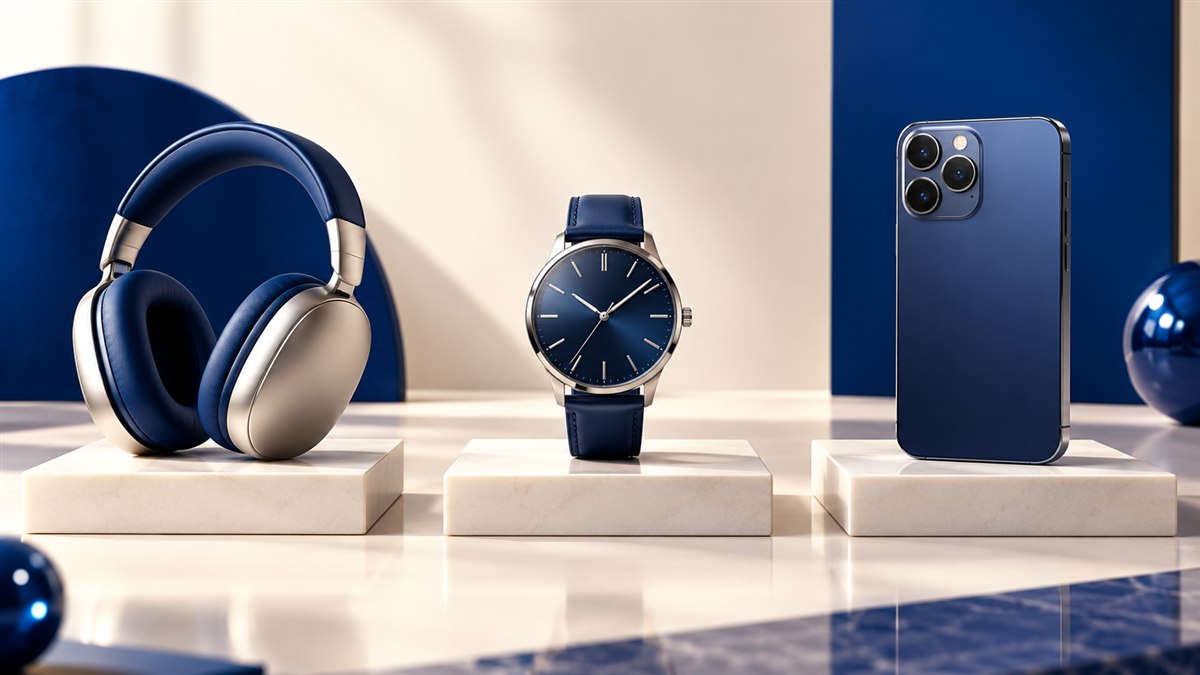
Use a consistent square or portrait canvas, keep the product scale consistent and export the smallest file that still preserves material detail and clean edges.
Use the matching Resizo tool
Work in your browser with no account. Supported image processing stays on your device.
Product photos are the closest online shoppers get to physically examining a product. Getting the dimensions right is essential for zoom functionality, fast page load, and professional appearance. This guide covers the recommended product image sizes for ecommerce platforms in 2026.
General product image best practices
- Square format (1:1): Most platforms standardize on square thumbnails. 1:1 images display consistently in grids.
- Consistent background: White (RGB 255,255,255) is standard for marketplaces. Some direct-to-consumer stores use lifestyle backgrounds.
- Minimum size for zoom: 1000 × 1000 px allows 2× zoom on most platforms. 2000 × 2000 px is better for premium products.
- Format: JPEG for photos, PNG for images with white/transparent backgrounds (logos on product).
- File size: Keep under 1 MB per image for page performance. 200–500 KB is ideal.
Shopify product image size
Recommended: 2048 × 2048 px (square, 1:1). Shopify supports up to 4472 × 4472 px, but 2048 × 2048 is the practical maximum for balanced quality and performance. Smaller collections images: 800 × 800 px.
Format: JPG for photos. PNG for images with transparent backgrounds. Shopify automatically generates thumbnails.
WooCommerce product image size
WooCommerce is flexible — the recommended size depends on your theme. A safe default: 800 × 800 px for product thumbnails and 1200 × 1200 px for the main product gallery image. Check your theme's documentation for exact specifications.
Amazon product image size
Amazon has strict image requirements:
- Main image: Minimum 1000 × 1000 px, recommended 2000 × 2000 px or larger
- Background: Pure white (RGB 255,255,255) for main images
- Product fills: 85%+ of the image frame
- Format: JPG, PNG, GIF, TIFF accepted
- File size: Maximum 10 MB
Etsy product image size
Recommended: 2000 × 2000 px (square) or any 4:3 or 5:4 ratio. Etsy displays thumbnails at 570 × 456 px. Main listing image at up to 3000 × 3000 px. JPG is preferred for photos.
How to resize product images with Resizo
- Open Resizo in your browser — no account needed.
- Drop your product photo onto the tool.
- Enter the target dimensions (e.g., 2048 × 2048 for Shopify).
- Select JPG output for photos (WebP if your platform supports it).
- Download and upload to your ecommerce platform.
For batch processing multiple product images, Resizo processes one at a time but each image takes only seconds.
Consistency matters more than the largest possible file
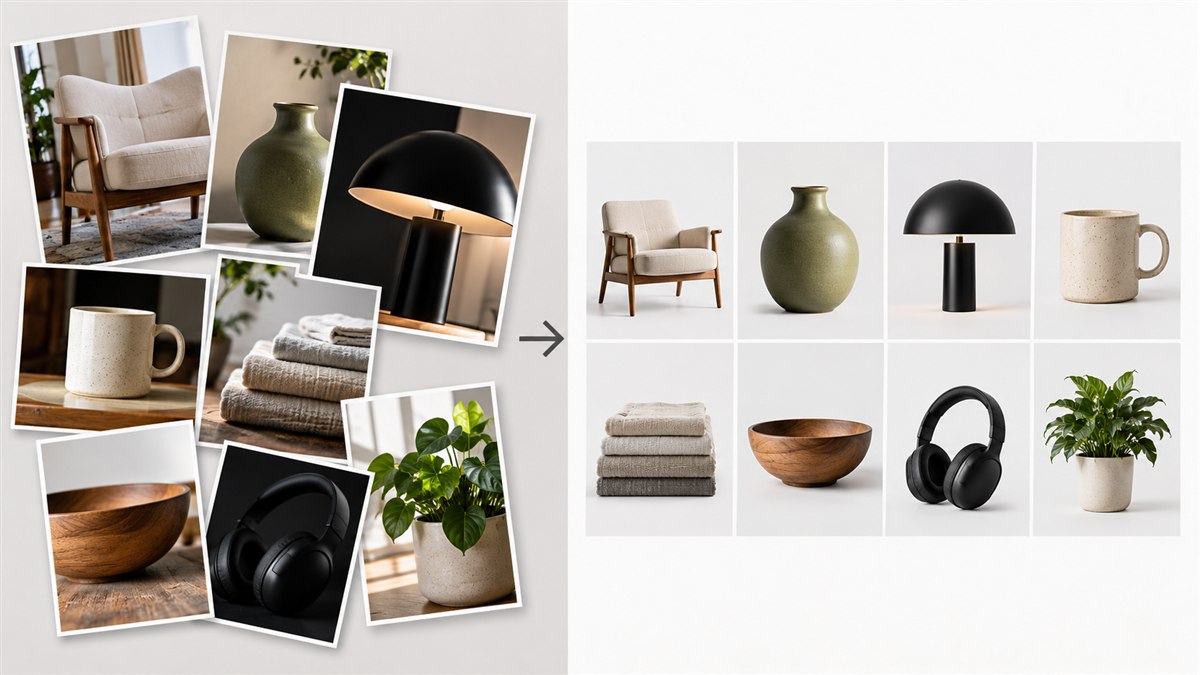
Shoppers compare products in a grid before they inspect detail. Keep the canvas ratio, background, product scale and camera angle consistent across the catalogue. A technically sharp image can still make the store feel unreliable when one item looks tiny and the next touches every edge.
Build one export recipe per sales channel
Your storefront, marketplace feed and social catalogue may use different crops. Keep a high-resolution master, then make channel-specific derivatives from that source. This avoids enlarging an already compressed marketplace download and lets you change the crop without repeating the shoot.
Product image checklist
- Use the same aspect ratio and visual padding across the collection.
- Check white products against the background edge.
- Preserve texture in fabric, jewellery and other detail-heavy goods.
- Name files clearly and write useful alt text in the storefront.
Start from a master, then make channel versions
Keep one colour-corrected, high-resolution master for every product view. Generate storefront, marketplace and social versions from that file. This prevents a common quality trap: downloading an already compressed marketplace image, cropping it again and using that degraded copy everywhere else.
Match the crop to the catalogue grid
Square images are a safe default for many catalogues, but fashion, furniture and editorial shops may benefit from portrait crops. The important choice is consistency. Set a canvas and a target amount of breathing room, then position every product to occupy a similar share of the frame. Customers should compare the products, not compensate for changing camera distance.
Preserve the details that sell the item
Compression is successful only if texture, edge quality and colour remain believable. Inspect fabric weave, jewellery facets, printed labels and the boundary between white products and pale backgrounds. A slightly larger file is justified when those details influence a purchase or reduce returns.
Use additional images for scale, packaging, alternate angles and close-ups instead of forcing every fact into the hero image. The first image should identify the product immediately; later images can answer questions.
File naming and accessibility
Give files short descriptive names such as linen-shirt-navy-front.webp rather than camera numbers. In the store, write alt text that identifies the product and view without stuffing keywords. Good names help the team manage assets; good alt text helps shoppers who cannot see the image and gives search systems clear context.
Quality-control pass
- Canvas ratio and product scale match the rest of the category.
- Colours are checked in sRGB on a normal display.
- Zoom and mobile thumbnails both remain useful.
- The output format is supported by the storefront and marketplace feed.
Keep performance in the product-image brief
Large galleries multiply quickly: eight images on one product page can outweigh the rest of the interface. Export at the maximum size the zoom view genuinely uses, create responsive variants in the storefront, and lazy-load images below the first screen. The first product image deserves priority; the eighth does not.
Test a real category and product page over a normal mobile connection. That catches oversized sources, layout shifts and slow thumbnails that are easy to miss when reviewing a single file on a fast desktop. Keep the high-resolution master outside the delivery folder so later marketplace crops do not start from a compressed derivative.
Questions people ask
What is the best product image size for Shopify?
2048 × 2048 px (square, JPG). Shopify recommends this for good zoom quality while keeping files manageable.
What size should Amazon product images be?
Minimum 1000 × 1000 px, recommended 2000 × 2000 px or larger. Pure white background for main images.
What is the best product image format for ecommerce?
JPG for product photos on white backgrounds. PNG for images requiring transparent backgrounds.
How do I resize product images for free?
Open Resizo, drop your image, enter ecommerce platform dimensions, select JPG, and download.
Finish the image in your browser
Use the tool built for this job. There is no signup, watermark or upload step.
Resize product images