ضغط PNG دون فقدان الجودة: دليل عملي ليس مجرد تعديل شكلي. إنه أسلوب عملي لتجهيز الصورة لغرض محدد مع الحفاظ على التحكم في الجودة والحجم والتنسيق والخصوصية.
مقدمة
مع Resizo PNG Compressor ابدأ من الهدف: موقع ويب، نموذج، بريد إلكتروني، متجر، شبكة اجتماعية أو مستند حساس. بعد ذلك اختر الأبعاد والتنسيق والجودة.
ما معنى هذا الموضوع؟
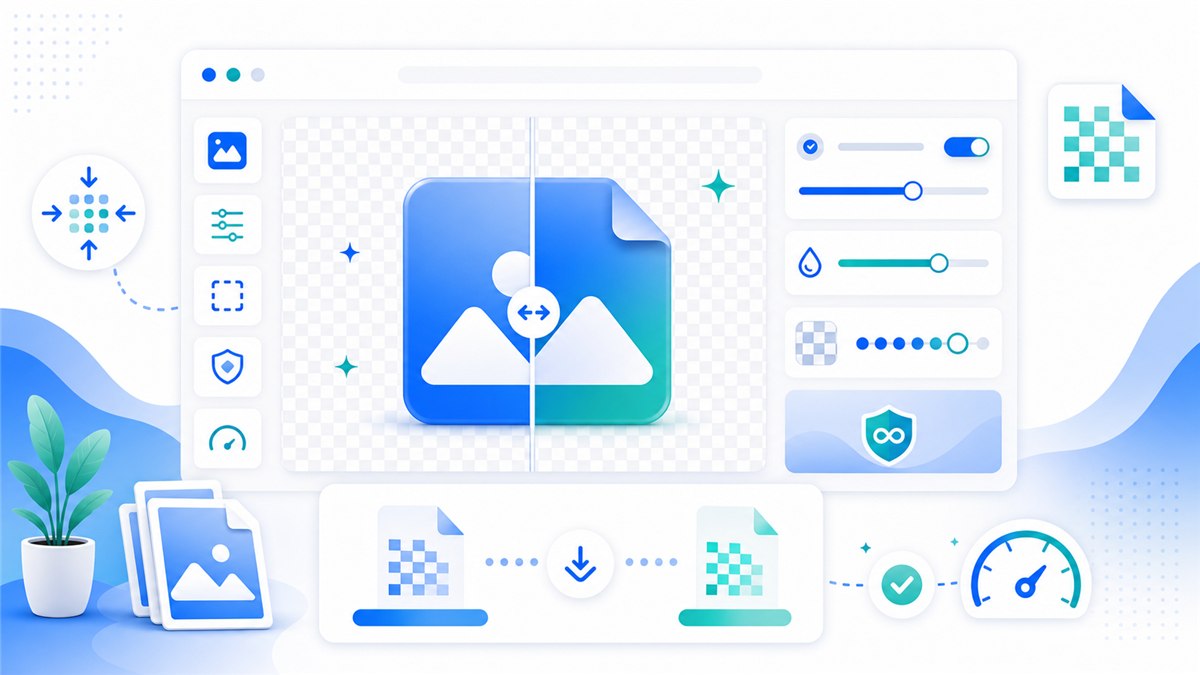
ضغط ملف PNG دون فقدان الجودة يعني تقليل حجم الملف مع الحفاظ إما على بكسلاته بدقة تامة أو على مظهره المرئي. ولأن PNG تنسيق غير فاقد للجودة، فهناك طريقان صادقان للوصول إلى ملف أصغر. الأول هو التحسين داخل PNG نفسه — بتقليل أبعاد البكسل إلى حجم العرض الفعلي وإعادة ترميز الصورة — وهو ما يُبقي كل بكسل متبقٍ مطابقاً رياضياً للأصل. والثاني هو التحويل إلى WebP، الذي ينتج عادةً ملفات أصغر من PNG عند جودة بصرية متساوية مع دعمه للشفافية أيضاً، ما يجعله الخيار الأفضل عندما تكون الصورة موجهة للويب. وتستجيب لقطات الشاشة والشعارات ورسوميات الواجهات جيداً للطريقين، لأن المساحات الكبيرة ذات الألوان المسطحة تُضغط بكفاءة. تتعامل أداة Resizo لضغط PNG مع الطريقين معاً داخل المتصفح باستخدام واجهة Canvas API، فيمكن تصغير ملف PNG بحجم عدة ميغابايتات بالكامل على جهازك، بلا رفع وبلا أي مرور عبر خادم.
لماذا يهم؟
ضغط PNG مهم لأن ملفات PNG كثيراً ما تكون أثقل الأصول في صفحة الويب، والصفحات الثقيلة صفحات بطيئة. لقطة شاشة بدقة كاملة أو تصدير تصميم محفوظ بصيغة PNG قد يبلغ بسهولة عدة ميغابايتات؛ فقد يرفع صاحب موقع ملفاً بحجم 5 ميغابايت ويتساءل لماذا تتباطأ الصفحة، بينما يرفض نموذج رفع ذو سقف حجم صارم الملف نفسه فوراً. والإصلاحات المتسرعة تزيد الأمر سوءاً: تحويل PNG مليء بالنصوص إلى JPEG منخفض الجودة ينتج حوافاً ملطخة وتسميات غير مقروءة. النهج الموثوق نهج آلي — غيّر أبعاد البكسل إلى حجم العرض الفعلي، وأبقِ على PNG عندما تكون دقة البكسلات مهمة، وانتقل إلى WebP عندما يكون ملف أصغر يدعم الشفافية مقبولاً للوجهة. ولأن أداة Resizo لضغط PNG تنفّذ كل هذا محلياً في المتصفح دون خطوة رفع، تبقى لقطات الشاشة الداخلية وأصول التصميم غير المنشورة على جهازك طوال العملية.
الفوائد الرئيسية
- You reduce wasted upload time because PNG optimization happens before the file reaches a website, form, or CMS.
- You make the output predictable: exact dimensions, sensible file size, and a format that fits the destination.
- You protect the original image by exporting a separate optimized copy instead of editing the only version you have.
- You avoid common quality damage such as stretched aspect ratios, repeated compression, and unnecessary upscaling.
- You create images that are easier for users to download and easier for search engines to understand when combined with good filenames and alt text.
دليل خطوة بخطوة
- Open the PNG in Resizo PNG Compressor and first check why it is large: dimensions, transparency, screenshot detail, or unnecessary background.
- If the image is much larger than the display area, resize dimensions before chasing compression tricks.
- Keep PNG when you need exact transparency, UI text, logos, or sharp lines. Avoid JPEG for transparent graphics.
- Try WebP only if the destination supports it and inspect transparent edges carefully.
- Export one version, compare it against the original at 100 percent zoom, then repeat only if the result is still too heavy.
- Use descriptive names such as pricing-table-screenshot.webp or transparent-logo-512.png for better image SEO.
أفضل الممارسات
الأخطاء الشائعة تشمل رفع صور حساسة دون قراءة الشروط، الضغط الزائد، فرض أبعاد تشوه الصورة، وحذف الأصل قبل مراجعة الناتج.
- Start from the highest-quality original you have. Resizing a bad copy usually amplifies blur and compression blocks.
- Set dimensions before quality. Pixel count is usually the biggest driver of file size.
- Use one export pass. Reopening and recompressing the same output again and again causes visible damage.
- Keep a small test set with different image types: portrait, product, screenshot, dark photo, and transparent graphic.
- Use descriptive names such as resized-passport-photo.jpg or product-main-1200.webp instead of IMG_4829-final-final.jpg.
أخطاء شائعة
كنصيحة متقدمة، أنشئ إعدادات ثابتة للفريق: العرض النهائي، التنسيق، الجودة، نمط التسمية وقائمة فحص. هذا يجعل النتائج أكثر اتساقاً.
- Uploading sensitive photos to a tool before checking how the service processes and stores files.
- Forcing a fixed width and height that distorts people, products, logos, or documents.
- Upscaling a small source image and expecting true detail to appear. Upscaling can enlarge pixels, but it cannot recreate missing information.
- Using PNG for every photo. PNG is excellent for transparency and sharp graphics, but photos often become unnecessarily large.
- Ignoring the final use case. A print-quality master and a fast web preview are different files with different requirements.
نصائح متقدمة
مثال عملي: يمكن غالباً تقليل صورة هاتف بحجم 4 ميجابايت إلى أقل من 700 كيلوبايت عند تصغيرها أولاً إلى عرض 1600 بكسل ثم تصديرها بجودة متوازنة.
- Create two exports for important web assets: a 1600 px master for large screens and a smaller 800 px version for thumbnails or cards.
- For ecommerce, make a consistent crop and background part of the process before compression. Visual consistency often matters as much as file size.
- For screenshots, test PNG and WebP. Text-heavy screenshots can look worse if compressed like ordinary photos.
- For forms with strict KB limits, resize dimensions first, then lower quality gradually in small steps.
- For private workflows, load the tool, disconnect from the internet, and complete local processing after the page is open.
أمثلة واقعية وحالات استخدام
| Scenario | Problem | Workflow |
|---|---|---|
| Job application | A phone photo is 5.8 MB but the portal allows 500 KB. | Resize the longest side to 1200 px, export JPEG at 78 quality, and check facial detail. |
| Online store | Thirty product images are different sizes and too heavy. | Batch resize to a consistent square canvas, export WebP, and keep originals archived. |
| Blog publishing | A hero image is 4032 px wide and slows the page. | Resize to 1600 px wide, export WebP, and add a descriptive filename and alt text. |
| Before | Action | Result | Why |
|---|---|---|---|
| Phone photo, 4032 x 3024, 4.8 MB | Resize to 1600 px wide and export WebP/JPEG at 80 quality | Often 250-700 KB | Best for blogs, portfolios, and basic web uploads |
| PNG screenshot, 2880 px wide, 2.4 MB | Resize to display size and test PNG vs WebP | Often 300-900 KB | Keeps UI text readable while removing oversized pixels |
| Product image set, mixed dimensions | Batch resize to consistent canvas and rename files | Consistent gallery assets | Improves UX and avoids layout jumps |
مصادر خارجية موثوقة
- MDN HTMLCanvasElement.toBlob - Explains how browser canvas exports image blobs, formats, and quality settings.
- web.dev Learn Images - A practical reference for web image formats, responsive images, and performance.
- Google Image SEO Best Practices - Google guidance for discoverable images, alt text, structured data, and fast image pages.
الأسئلة الشائعة
What is Compress PNG Without Losing Quality: Practical PNG Optimization Guide?
Compress PNG Without Losing Quality: Practical PNG Optimization Guide is a practical workflow for compress PNG files while preserving transparency, sharp edges, logos, and screenshots. The goal is to create a smaller or better-fitted image while preserving the details that matter for the destination.
Can I do this with Resizo PNG Compressor?
Yes. Resizo PNG Compressor is designed for this exact workflow. You can choose dimensions, format, and quality settings, then download an optimized copy without changing the original.
Does Resizo upload my images?
For supported Resizo browser tools, the image is processed locally in your browser. That means the original file stays on your device during resizing, compression, conversion, and preview.
What format should I choose?
Use WebP for most modern web pages, JPEG for broad photo compatibility, and PNG when you need transparency, sharp UI graphics, or exact screenshot detail.
Will reducing file size always reduce quality?
Not always in a visible way. If you reduce unnecessary pixels first and use sensible quality settings, the file can become much smaller while looking the same at normal viewing size.
What quality setting is best?
For photos, start around 75-85 and inspect the result. For screenshots or graphics, test PNG and WebP because ordinary photo compression can make text and edges look rough.
Can I process many images at once?
Yes, especially for batch workflows. The practical limit depends on your browser and device memory because local tools use your own machine rather than a server queue.
Should I delete the original after exporting?
No. Keep the original until the final image has been uploaded, reviewed, and approved. Store optimized exports in a separate folder so you can regenerate them later.
How do I avoid blurry output?
Do not upscale small files, keep aspect ratio locked, export from the original, and check the result at 100 percent zoom before using it in production.
Is this good for SEO?
Yes when combined with fast file sizes, descriptive filenames, useful alt text, proper HTML image elements, and relevant page content near the image.
الخلاصة
الخلاصة: حدد الاستخدام النهائي، احمِ الأصل، وافحص النتيجة قبل النشر. يساعد Resizo على إنجاز ذلك بسرعة وبخصوصية أعلى.
ضغط PNG دون فقدان الجودة: دليل عملي
دليل عملي من Resizo حول ضغط PNG دون فقدان الجودة: دليل عملي مع خطوات واضحة وأخطاء شائعة وسير عمل دون رفع الملفات.
جرّب Resizo مجاناً